UC Browser Download - Speed Up Your Browsing
If you're tired of slow browsing speeds, constant buffering, and frustrating internet experiences, it's time to consider upgrading your web browser. UC Browser is a powerful and feature-rich browser that can significantly improve your browsing speed, providing you with a smooth and seamless online experience. In this blog post, we will explore the benefits of UC Browser and guide you on how to download and install it on your device.
What is UC Browser?
UC Browser is a popular web browser developed by UCWeb, a subsidiary of the Alibaba Group. It is available for various platforms including Windows, macOS, Android, and iOS, making it accessible to a wide range of users. With over 500 million downloads worldwide, UC Browser has established itself as a leading browser in terms of speed, security, and user-friendly features.
Why Choose UC Browser to Speed Up Your Browsing?
When it comes to browsing speed, UC Browser excels in delivering lightning-fast performance. It utilizes advanced technology and optimization techniques to ensure quick page loading and smooth navigation. Whether you're streaming videos, browsing social media, or conducting online research, UC Browser guarantees a hassle-free experience by minimizing loading times and reducing data consumption.
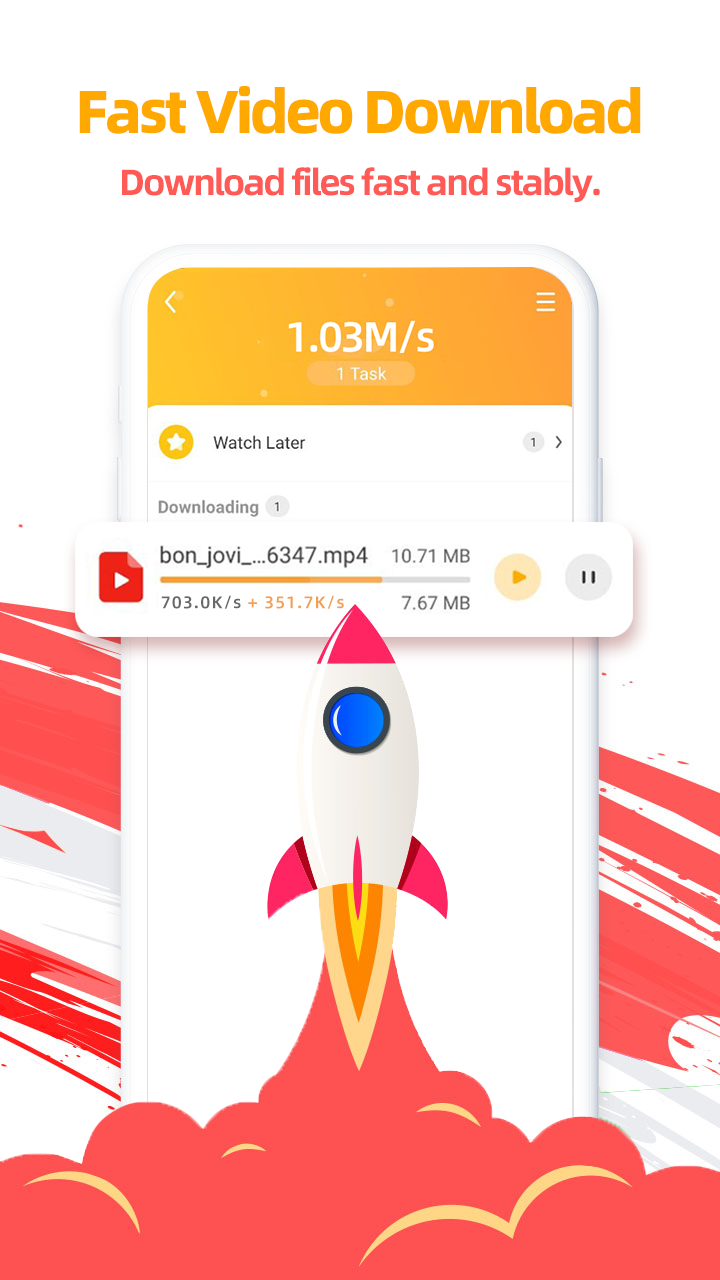
Additionally, UC Browser comes equipped with a powerful download manager that allows you to download files at remarkable speeds. Whether you're downloading large files or multimedia content, UC Browser's intelligent download manager splits the file into multiple parts and downloads them simultaneously. This accelerates the download process, saving you valuable time and ensuring a seamless downloading experience.
Key Features of UC Browser
- Ad Blocker: UC Browser's built-in ad blocker eliminates annoying advertisements, pop-ups, and banners, providing you with a clutter-free browsing experience.
- Incognito Mode: With UC Browser's incognito mode, you can browse the internet privately, without leaving any traces of your online activity.
- Customizable Themes: Personalize your browsing experience with a wide range of customizable themes, allowing you to make UC Browser truly your own.
- Gesture Control: UC Browser offers intuitive gesture control, enabling you to navigate through websites and perform various actions with simple gestures.
- Smart Downloads: UC Browser intelligently detects downloadable content on web pages and provides a one-click download option for your convenience.
- Cloud Sync: UC Browser allows you to sync your bookmarks, history, and settings across multiple devices, ensuring a seamless browsing experience wherever you go.
How to Download UC Browser
Downloading and installing UC Browser is a straightforward process. Follow these simple steps to enhance your browsing speed:
- Visit the official UC Browser website or access your device's respective app store.
- Search for "UC Browser" in the search bar.
- Select the appropriate version of UC Browser for your device's operating system.
- Click on the "Download" button.
- Once the download is complete, open the installer file.
- Follow the on-screen instructions to install UC Browser on your device.
Once installed, launch UC Browser and customize the settings according to your preferences. You can choose your desired search engine, enable or disable features, and personalize the appearance of the browser using the available themes.
Final Thoughts
UC Browser is a reliable and efficient web browser that can significantly speed up your browsing experience. With its advanced features, fast loading times, and intelligent download manager, UC Browser ensures seamless and hassle-free internet usage. By downloading UC Browser, you can enjoy improved browsing speed, enhanced security, and a range of user-friendly features. So, why wait? Boost your browsing speed by downloading UC Browser today and unlock a world of fast and enjoyable internet surfing!

Comments
Post a Comment