Brave Download - Browse Safely and Privately: The Ultimate Guide
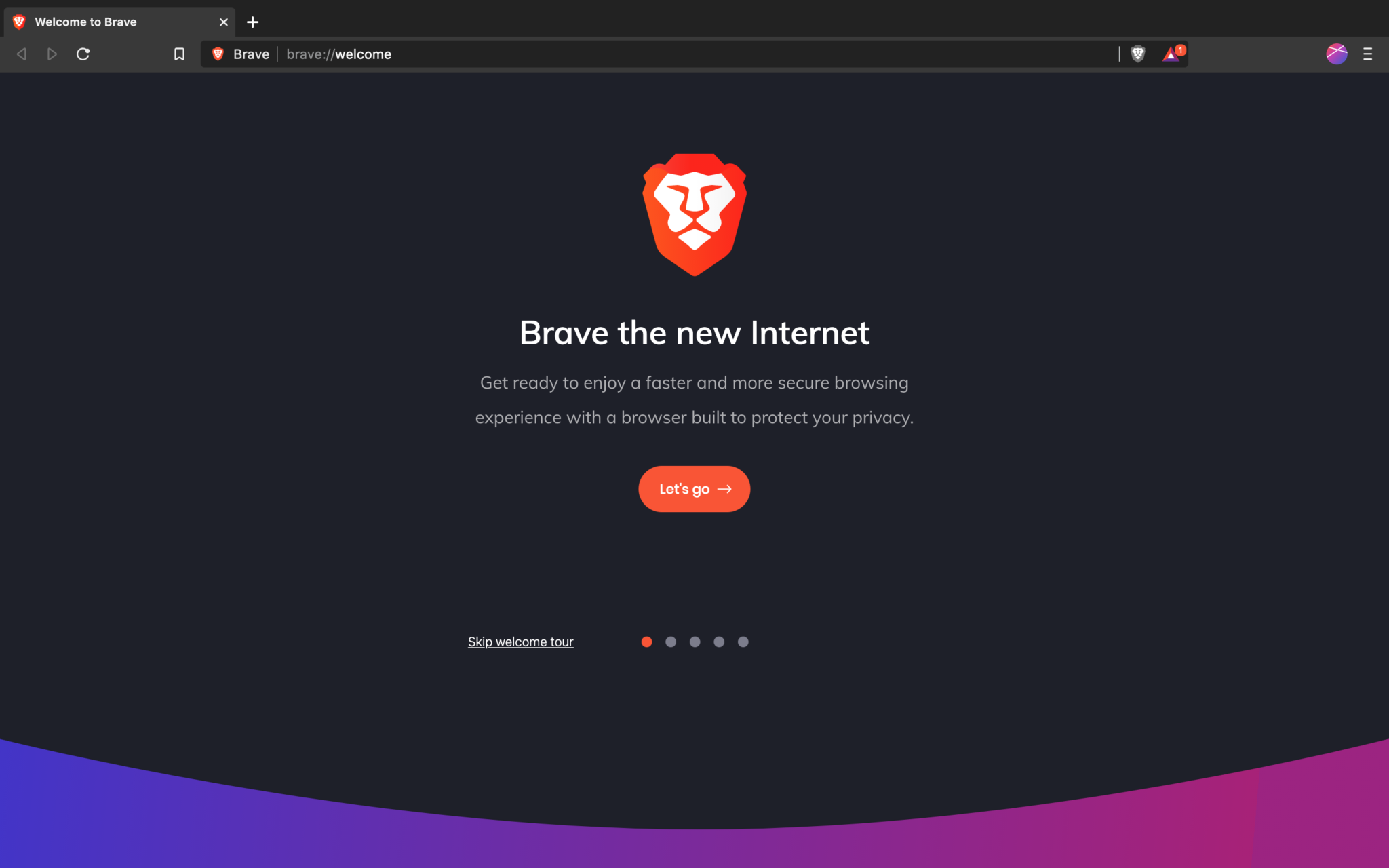
Welcome to our comprehensive guide on Brave download - the ultimate web browser that allows you to browse safely and privately. In this article, we will delve into the features, benefits, and reasons why Brave is the perfect choice for anyone concerned about online privacy and security. So, let's dive in and discover what makes Brave the go-to browser for a secure and private browsing experience.
What is Brave?
Brave is an innovative web browser that puts privacy and security at the forefront. Developed by Brendan Eich, co-founder of Mozilla and creator of JavaScript, Brave aims to revolutionize the way we browse the internet. It combines a sleek and user-friendly interface with powerful privacy features to offer a unique browsing experience that is both secure and fast.
Why Choose Brave?
With a plethora of web browsers available, you might wonder why you should choose Brave. Well, here are a few compelling reasons:
- Enhanced Privacy: Brave blocks intrusive ads and trackers, ensuring your online activities remain private. It also offers advanced features like HTTPS Everywhere, which encrypts your connections, and fingerprinting protection, preventing websites from tracking your device.
- Speedy Performance: Brave is built on Chromium, the same open-source project as Google Chrome. However, Brave is optimized for speed and efficiency, making it faster than its competitors. It also consumes less CPU and memory, resulting in an overall smoother browsing experience.
- Rewards for Users: Brave introduces a unique concept called Brave Rewards, which allows users to earn Basic Attention Tokens (BAT) for viewing privacy-respecting ads. These tokens can be used to support your favorite publishers or content creators.
- Robust Security: Brave provides an additional layer of security by automatically upgrading connections to HTTPS whenever possible. This ensures that your data is encrypted and protected from hackers or eavesdroppers.
- Customizable Experience: Brave allows you to personalize your browsing experience by customizing the appearance, privacy settings, and even your default search engine. This flexibility ensures you have control over how you browse the internet.
How to Download and Install Brave?
Downloading and installing Brave is a straightforward process. Here's a step-by-step guide to get you started:
- Visit the official Brave website at brave.com.
- On the homepage, click on the "Download Brave" button. The website will automatically detect your operating system and offer you the appropriate version of Brave for download.
- Once the installer file is downloaded, locate it on your device and double-click to launch the Brave setup.
- Follow the on-screen instructions to proceed with the installation. You can choose your preferred language, installation directory, and whether you want Brave to be your default browser.
- After the installation is complete, Brave will open automatically, and you can start browsing safely and privately.
Exploring Brave's Key Features
Now that you have Brave installed, let's explore some of its key features that make it stand out:
1. Shields
The Shields feature in Brave allows you to control the level of privacy and security you desire while browsing. It blocks ads, trackers, and unwanted scripts, ensuring a seamless browsing experience without compromising your privacy.
2. Brave Rewards
As mentioned earlier, Brave Rewards allows you to earn Basic Attention Tokens (BAT) by viewing privacy-respecting ads. You can choose to support your preferred content creators or simply accumulate BAT for future use.
3. Private Tabs with Tor
Brave offers a unique feature called Private Tabs with Tor, which leverages the power of the Tor network to provide an extra layer of privacy. It allows you to browse the internet anonymously, hiding your IP address and preventing websites from tracking your location.
4. Brave Sync
Brave Sync enables you to synchronize your bookmarks, settings, and browsing history across multiple devices. Whether you switch between your laptop, smartphone, or tablet, Brave ensures a seamless browsing experience by keeping everything in sync.
The Benefits of Brave Download
By choosing to download and use Brave as your default browser, you unlock a myriad of benefits:
- Improved Privacy: Brave's built-in privacy features provide a shield against intrusive ads, trackers, and other elements that compromise your online privacy.
- Faster Browsing: Brave's optimization for speed and efficiency ensures that web pages load quickly, resulting in a smoother browsing experience.
- Earn Rewards: With Brave Rewards, you have the opportunity to earn Basic Attention Tokens (BAT) while supporting your favorite content creators. It's a win-win situation!
- Protection from Malware and Phishing: Brave's robust security measures protect you from malware and phishing attempts, keeping your devices and personal information safe.
- Customizable and User-Friendly: Brave allows you to customize your browsing experience and offers a clean and intuitive interface, making it easy to navigate.
In Conclusion
Brave download is the ideal choice for individuals who value their online privacy and security. With its advanced features, lightning-fast performance, and innovative rewards system, Brave sets a new standard for web browsers. Download Brave today and experience a safer, faster, and more rewarding online browsing experience!


Comments
Post a Comment