Discover Microsoft Edge - Download Now
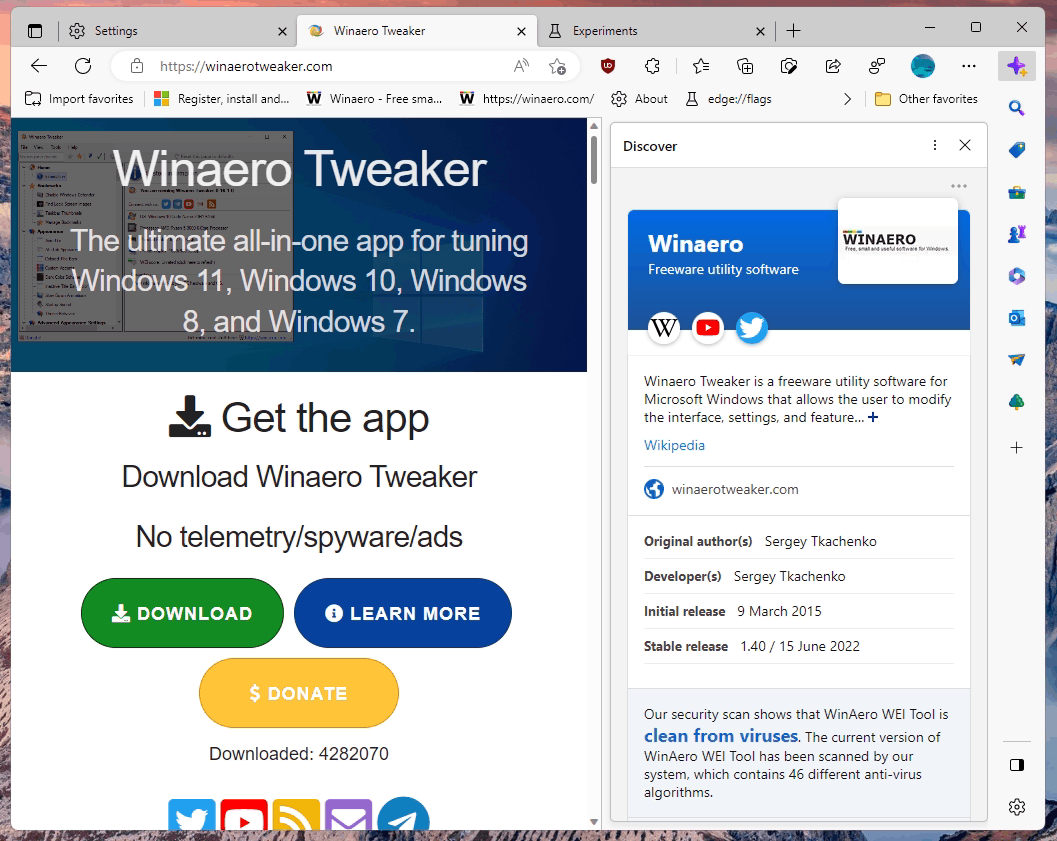
Are you tired of your slow and outdated web browser? Do you crave a more efficient and user-friendly online experience? Look no further! In this blog post, we will explore the incredible features and benefits of Microsoft Edge and guide you through the simple process of downloading it. So, let's dive in and discover Microsoft Edge - download now!
Why Choose Microsoft Edge?
Microsoft Edge is a cutting-edge web browser that offers a wide range of innovative features designed to enhance your browsing experience. Whether you're a casual internet user or a tech-savvy professional, Microsoft Edge has something for everyone. Let's explore some compelling reasons why you should consider switching to this powerful browser:
- Speed and Performance: One of the key advantages of Microsoft Edge is its lightning-fast speed and superior performance. With its optimized architecture and streamlined design, Edge allows you to browse the internet with minimal lag and quick page load times.
- Enhanced Privacy and Security: Your online safety is paramount, and Microsoft Edge prioritizes it. Edge comes with robust built-in security features, such as Microsoft Defender SmartScreen, which helps protect against phishing attempts and malicious websites. Additionally, Edge offers advanced tracking prevention to safeguard your privacy.
- Sleek and Intuitive Interface: Microsoft Edge boasts a sleek and modern interface that is aesthetically pleasing and easy to navigate. With its user-friendly design, you can quickly access your favorite websites, bookmarks, and browsing history.
- Cross-Platform Compatibility: Whether you're using a Windows PC, Mac, or mobile device, Microsoft Edge seamlessly integrates across platforms, ensuring a consistent and synchronized browsing experience on all your devices.
- Productivity Features: Edge comes packed with handy tools and features to enhance your productivity. From the immersive reading mode and web capture functionality to the integration of Microsoft 365 apps, Edge empowers you to work smarter and more efficiently.
How to Download Microsoft Edge
Now that you're convinced of the incredible benefits Microsoft Edge offers, let's guide you through the simple process of downloading and installing it on your device. Just follow these steps:
Step 1: Open the Microsoft Edge Download Page
To download Microsoft Edge, you need to visit the official Microsoft Edge website. Open your current web browser and search for "Microsoft Edge download" or type in the URL directly: https://www.microsoft.com/edge.
Step 2: Choose Your Platform
Once you're on the Microsoft Edge website, you'll notice that it automatically detects your device's operating system. If it doesn't, don't worry! You can manually select your platform by clicking on the appropriate icon (Windows, Mac, iOS, or Android).
Step 3: Start the Download
After selecting your platform, click on the "Download" button. This will initiate the download process, and you'll see a progress bar indicating the status of the download.
Step 4: Run the Installer
Once the download is complete, locate the downloaded file (typically found in your device's Downloads folder) and double-click on it to run the installer. Follow the on-screen instructions to complete the installation process.
Step 5: Launch Microsoft Edge and Set it as Your Default Browser (Optional)
After the installation is complete, you can launch Microsoft Edge by locating it in your applications or using the desktop shortcut. Additionally, you can set it as your default browser by going to your device's settings and selecting Microsoft Edge as the default option.
Conclusion
Congratulations! You have successfully discovered the amazing world of Microsoft Edge and learned how to download and install it on your device. By choosing Microsoft Edge, you're embracing a faster, more secure, and highly productive browsing experience. Don't wait any longer - join millions of satisfied users and download Microsoft Edge now!
Remember, Microsoft Edge is constantly evolving, and with regular updates, you can expect even more exciting features and improvements. So, what are you waiting for? Embrace the future of browsing and elevate your internet experience with Microsoft Edge!


Comments
Post a Comment